 |  |  | ||
| Credits: | The XMQ web site is provided by Linotex. | The XMQ and SPTK Windows installers are created with Advanced Installer free Open-Source license. | ||
| There were 0 unique visitors to this page | |
XMQ MQTT Server ConfigurationXMQ has configuration interface running on port 18883, as soon as XMQ server is started. Open the interface in the browser as http://xmq_host:18883, and provide an administrative user credentials. 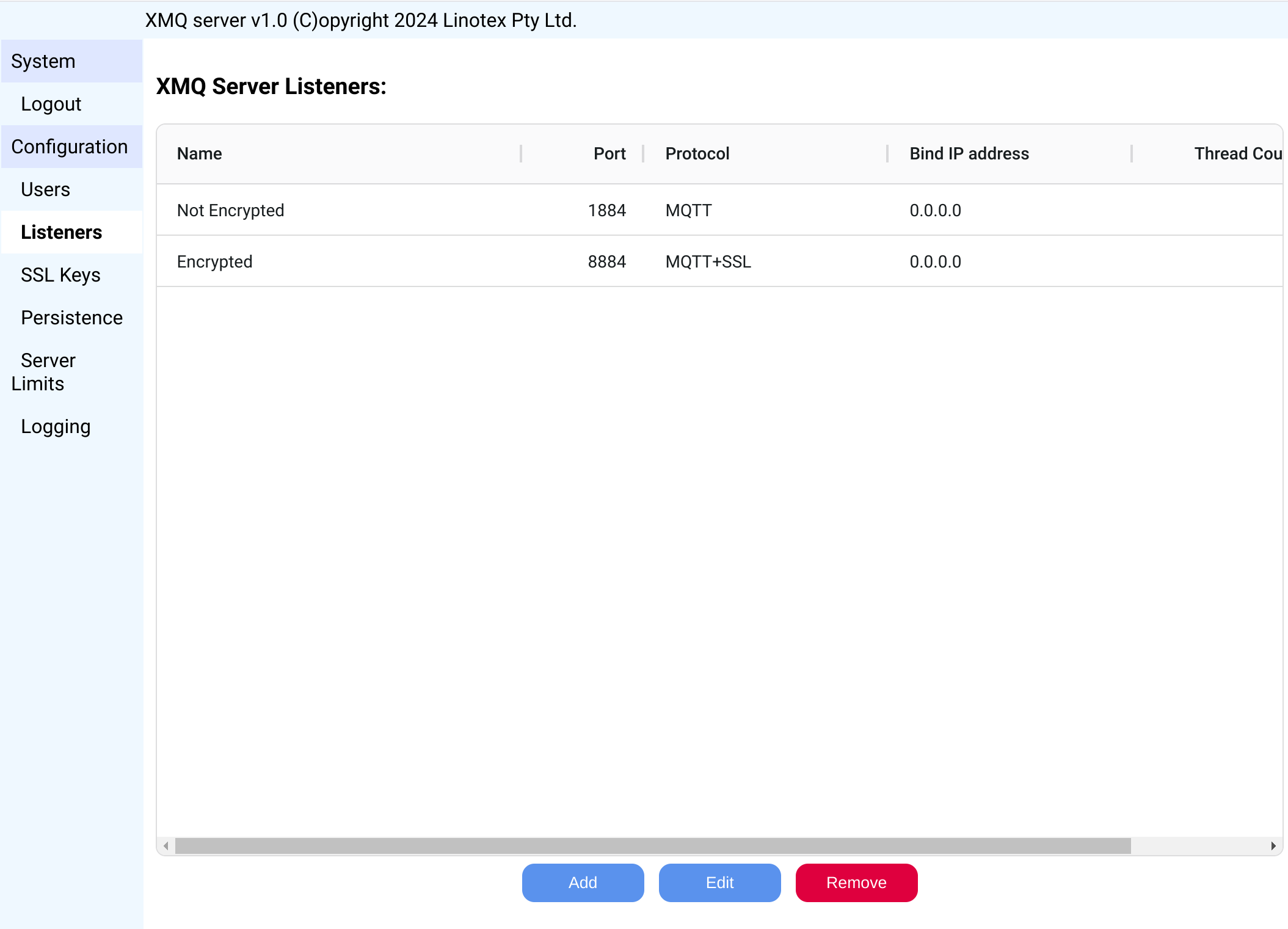 The default administrative user name is admin and its password is also admin. It is recommended to change the admin user password at the first possibility. If you need several different users to administrate the server, simply set the administrator flag for these users. Most of the configuration changes take effect immediately, unless the configuration interfaces tells you otherwise, in which case applying changes requires XMQ server restart. |